



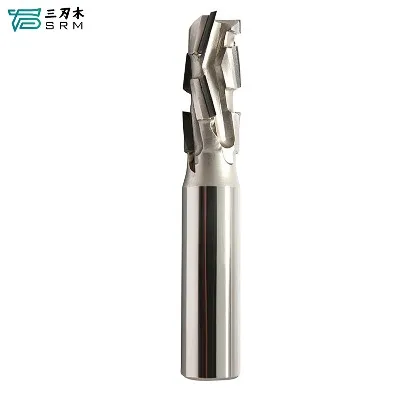





Hey there, folks! As a supplier of Dovetail CNC Bits, I've seen my fair share of alignment issues. It's a crucial step in getting the best results from your CNC router, and I'm here to walk you through the process.
First off, let's talk about why aligning your Dovetail CNC Bit correctly is so important. A misaligned bit can lead to a whole bunch of problems. You might end up with rough cuts, inaccurate dovetail joints, or even damage to your workpiece. So, taking the time to align your bit properly is definitely worth it.
Preparing for Alignment
Before you start the alignment process, there are a few things you need to do. First, make sure your CNC router is turned off and unplugged. Safety first, right? Then, gather all the tools you'll need. You'll typically need a wrench to tighten the collet that holds the bit, a dial indicator for precise measurement, and a clean, flat surface to work on.
Installing the Dovetail CNC Bit
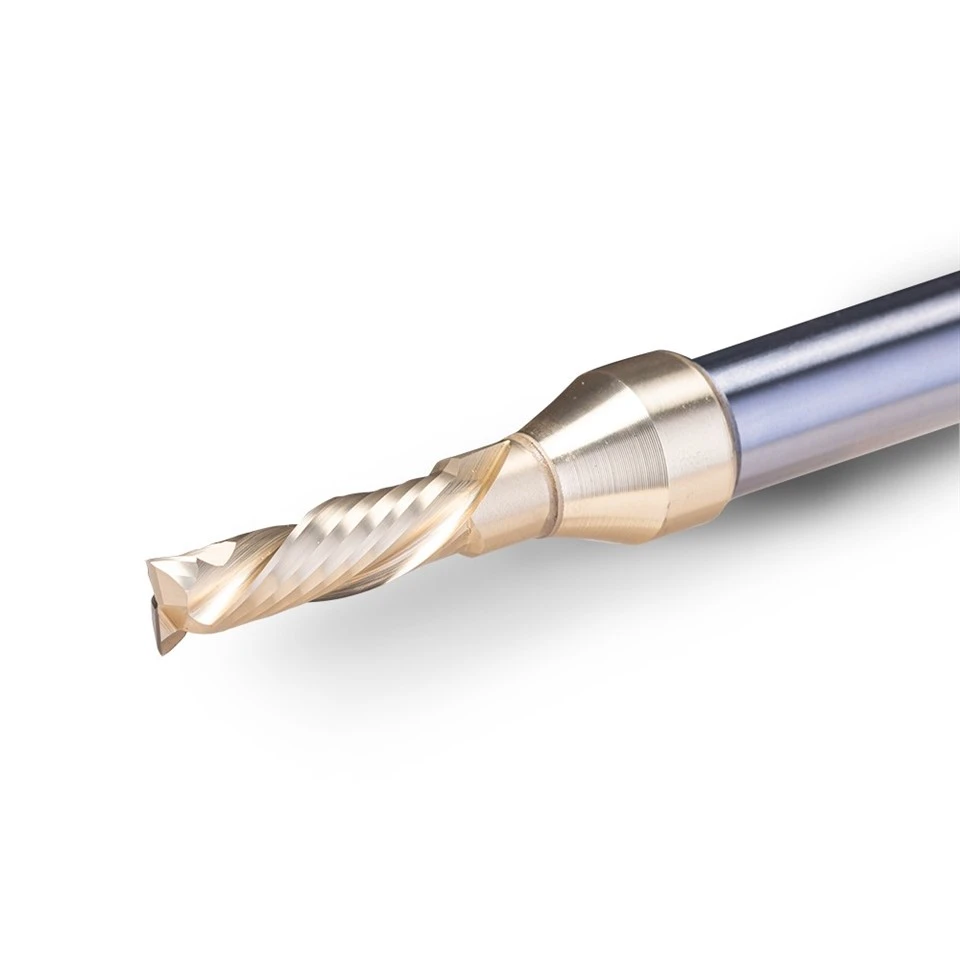
The first step in aligning your bit is to install it correctly in the collet. Start by loosening the collet using the wrench. Insert the Dovetail CNC Bit into the collet, making sure it goes in straight. You don't want it to be tilted or crooked. Then, tighten the collet firmly. But be careful not to overtighten it, as this can damage the bit or the collet.
Checking the Runout
Runout is the amount of deviation from a perfect circle as the bit rotates. Excessive runout can cause uneven cuts and poor-quality joints. To check the runout, you'll use a dial indicator. Mount the dial indicator on the router table so that the tip of the indicator touches the cutting edge of the bit. Then, slowly rotate the bit by hand. The dial indicator will show you the amount of runout. Ideally, the runout should be as close to zero as possible. If the runout is too high, you may need to remove the bit, clean the collet, and reinstall the bit.

Aligning the Bit Horizontally
Once you've checked the runout, it's time to align the bit horizontally. This is important for ensuring that the dovetail joints are straight and accurate. You can use a straight edge or a precision square to check the alignment. Place the straight edge or square against the cutting edge of the bit and the router table. Adjust the position of the bit until it is perfectly parallel to the table. You may need to loosen the collet slightly to make these adjustments.
Aligning the Bit Vertically
Vertical alignment is also crucial for getting the right depth of cut. You can use a depth gauge or a piece of scrap wood to set the depth of the bit. First, lower the bit until it just touches the surface of the scrap wood. Then, raise the bit a few millimeters to the desired depth. Make sure to lock the bit in place once you've set the depth.
Testing the Alignment
After you've aligned the bit horizontally and vertically, it's a good idea to do a test cut. Use a piece of scrap wood that is similar to the material you'll be using for your actual project. Make a few test cuts and check the quality of the dovetail joints. If the cuts are rough or the joints are inaccurate, you may need to go back and make some adjustments to the alignment.
Troubleshooting Alignment Issues
If you're having trouble aligning your Dovetail CNC Bit, here are a few common issues and solutions:
- Bit not centered: If the bit is not centered in the collet, it can cause runout and uneven cuts. Make sure the bit is inserted straight into the collet and tightened properly.
- Collet not clean: A dirty collet can prevent the bit from seating properly, leading to alignment issues. Clean the collet regularly to ensure a good fit.
- Router table not level: If the router table is not level, it can affect the alignment of the bit. Use a spirit level to check the level of the table and make any necessary adjustments.
Other Types of Router Bits
In addition to Dovetail CNC Bits, we also offer a variety of other router bits, such as the Straight Router Bit With Chip Breaker, Step Router Bit, and Compression Router Bit. These bits are designed for different applications and can help you achieve a wide range of cutting results.
Conclusion
Aligning a Dovetail CNC Bit correctly is a critical step in getting the best results from your CNC router. By following the steps outlined in this blog post, you can ensure that your bit is properly aligned and that your dovetail joints are straight, accurate, and of high quality. If you have any questions or need further assistance, don't hesitate to reach out. We're here to help you with all your router bit needs.
References
- Woodworking magazines and online resources for general woodworking and CNC router knowledge.
- Manufacturer's manuals for specific Dovetail CNC Bits and CNC routers.


